
Preferences
Choose your theme, clock format and time zone. These affect only what you see.
Settings → Preferences controls how Stratos looks and shows dates for you. Other people in your workspace aren’t affected.
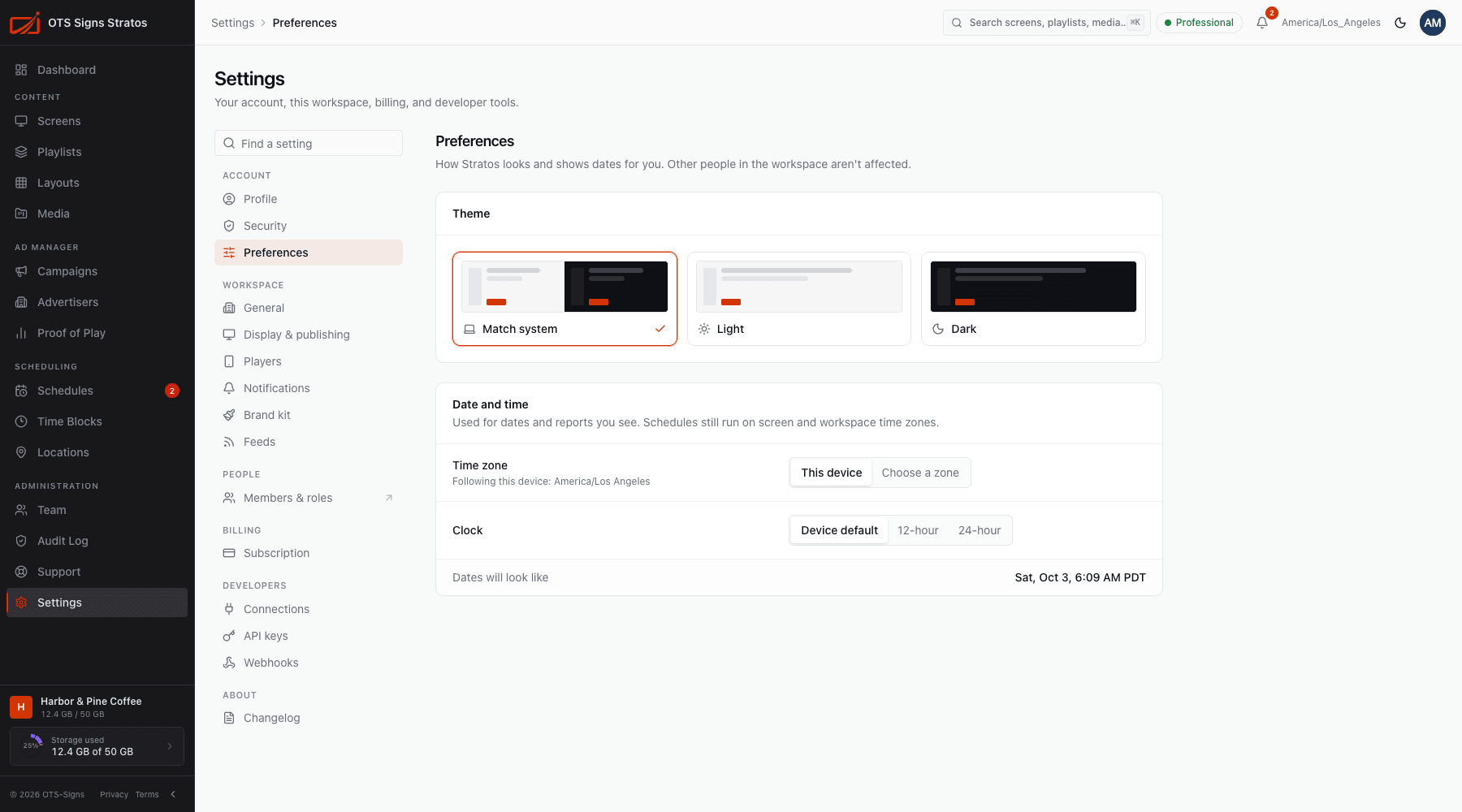
Choose Light, Dark or Match system. You can also flip between light and dark any time with the sun/moon button in the top bar.
Date and time
Section titled “Date and time”- Clock format: Device default, 12-hour or 24-hour.
- Time zone source: This device (your computer’s zone) or Choose a zone (always show times in a zone you pick).
An example under Dates will look like previews your choice. The zone you’re using is shown in the top bar.
Click Save to apply (Preferences saved).