Press ? in the designer, or click the keyboard icon in the status bar, to see this list on screen. On Windows and Linux read ⌘ as Ctrl and ⌥ as Alt.
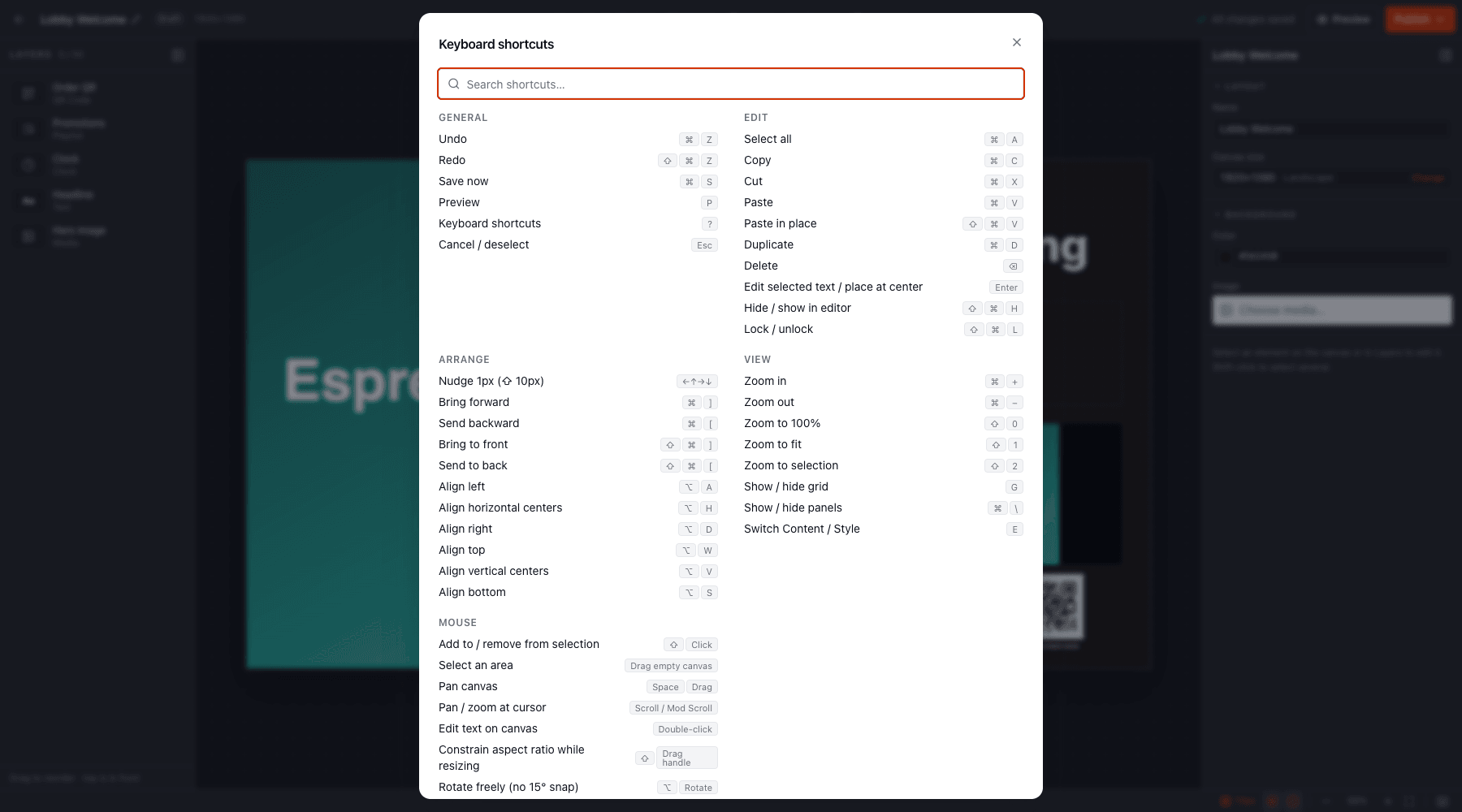
| Keys | Action |
|---|
| ⌘ Z | Undo |
| ⇧ ⌘ Z (or ⌘ Y) | Redo |
| ⌘ S | Save now |
| P | Preview |
| ? | Show shortcuts |
| Esc | Cancel placement / deselect |
| Keys | Action |
|---|
| ⌘ A | Select all |
| ⌘ C / X / V | Copy / cut / paste |
| ⇧ ⌘ V | Paste in place |
| ⌘ D | Duplicate |
| ⌫ / Delete | Delete |
| Enter | Edit selected text, or place the pending element at the centre |
| ⇧ ⌘ H | Hide / show in editor |
| ⇧ ⌘ L | Lock / unlock |
| Keys | Action |
|---|
| ← ↑ → ↓ | Nudge 1 px (⇧ for 10 px) |
| ⌘ ] / [ | Bring forward / send backward |
| ⇧ ⌘ ] / [ | Bring to front / send to back |
| ⌥ A / H / D | Align left / horizontal centres / right |
| ⌥ W / V / S | Align top / vertical centres / bottom |
| Keys | Action |
|---|
| ⌘ + / − | Zoom in / out |
| ⇧ 0 | Zoom to 100% |
| ⇧ 1 | Zoom to fit |
| ⇧ 2 | Zoom to selection |
| G | Show / hide grid |
| ⌘ \ | Show / hide side panels |
| E | Switch inspector between Content and Style |
| Gesture | Action |
|---|
| ⇧ + click | Add to or remove from selection |
| Drag on empty canvas | Select an area |
| Space + drag | Pan |
| Scroll / ⌘ + scroll | Pan / zoom at the cursor |
| Double-click | Edit text on the canvas |
| ⇧ + drag a handle | Keep aspect ratio while resizing |
| Alt + rotate | Rotate freely (otherwise snaps every 15°) |
Shortcuts are paused while you’re typing in a field or have a dialog open. In the read-only published view only Preview, zoom, panels and the shortcuts overlay are active.
