
Help Mode & Getting Help
Get help without leaving the page: inline field help, the Help Center, support tickets and bug reports.
Stratos puts help where you need it, at four levels.
1. Field help (the ? icons)
Section titled “1. Field help (the ? icons)”Many form fields have a small ? icon. Hover over it, or tab to it, for a short explanation. If the help links to an article, clicking the icon opens that article.
2. Help mode (inline help)
Section titled “2. Help mode (inline help)”Prefer to read the explanations right under each field? Switch on Help mode. In dialogs that support it (such as schedules, time blocks, overrides, campaigns and support tickets) click the ? button in the dialog’s header (Show inline help). Every field now shows its description in full, with a Read more link where there’s an article.
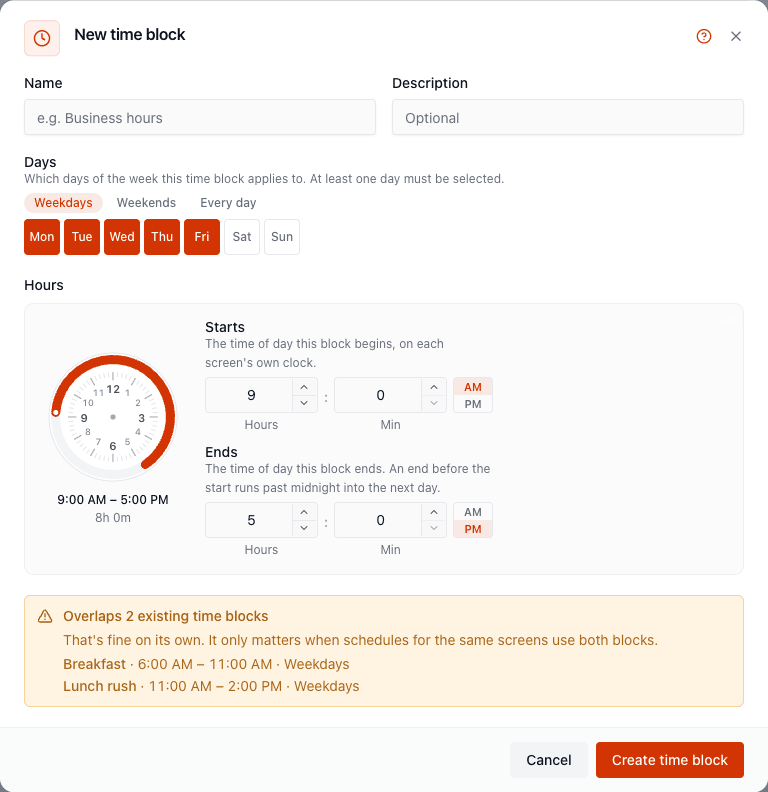
Click it again (Hide inline help) to go back to tooltips. Stratos remembers your choice on this device.
3. The Help Center
Section titled “3. The Help Center”Browse every article without leaving Stratos. Open it from:
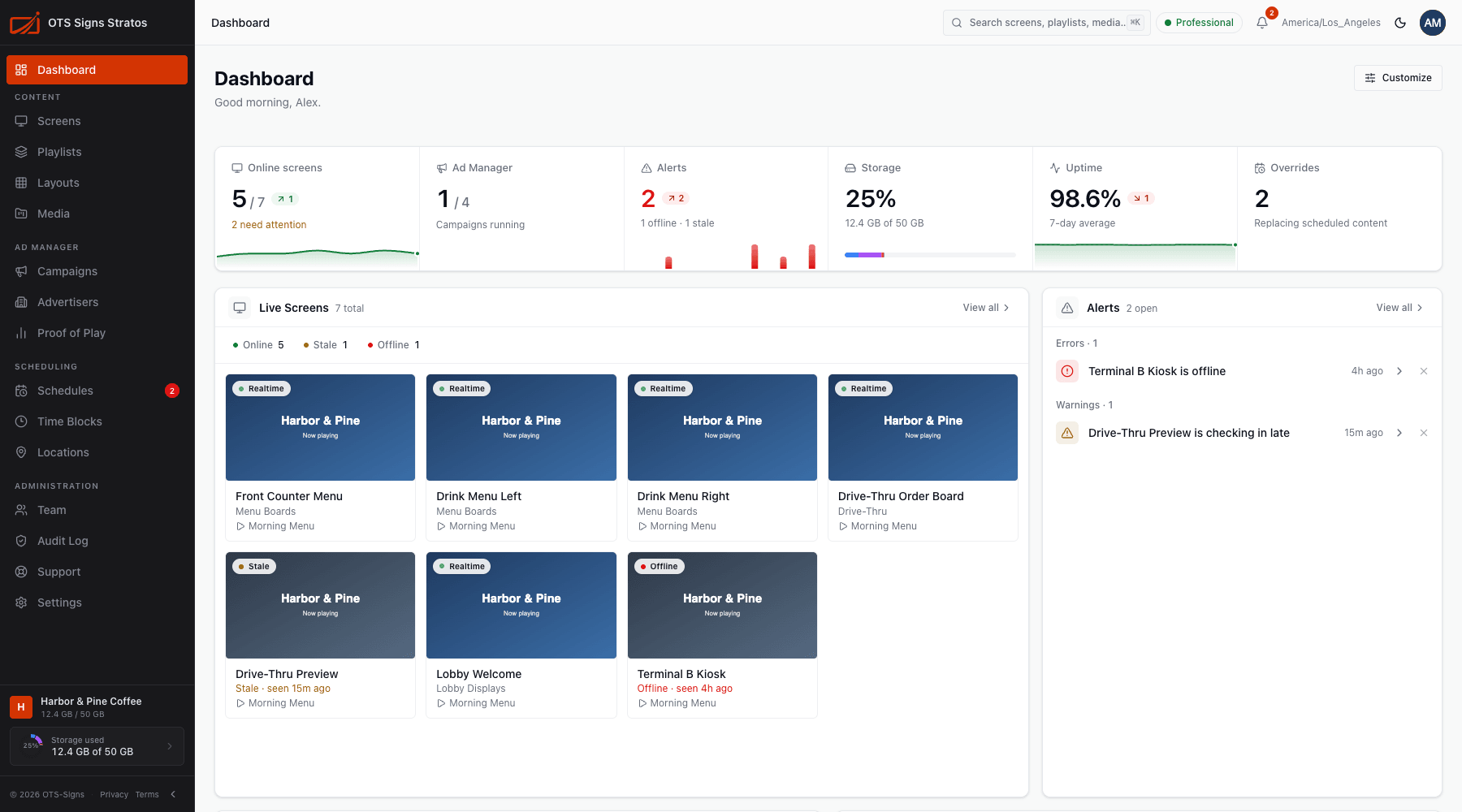
- the round ? button at the bottom right of any page, then Help Center, or
- Support in the sidebar, then the Help Center tab.
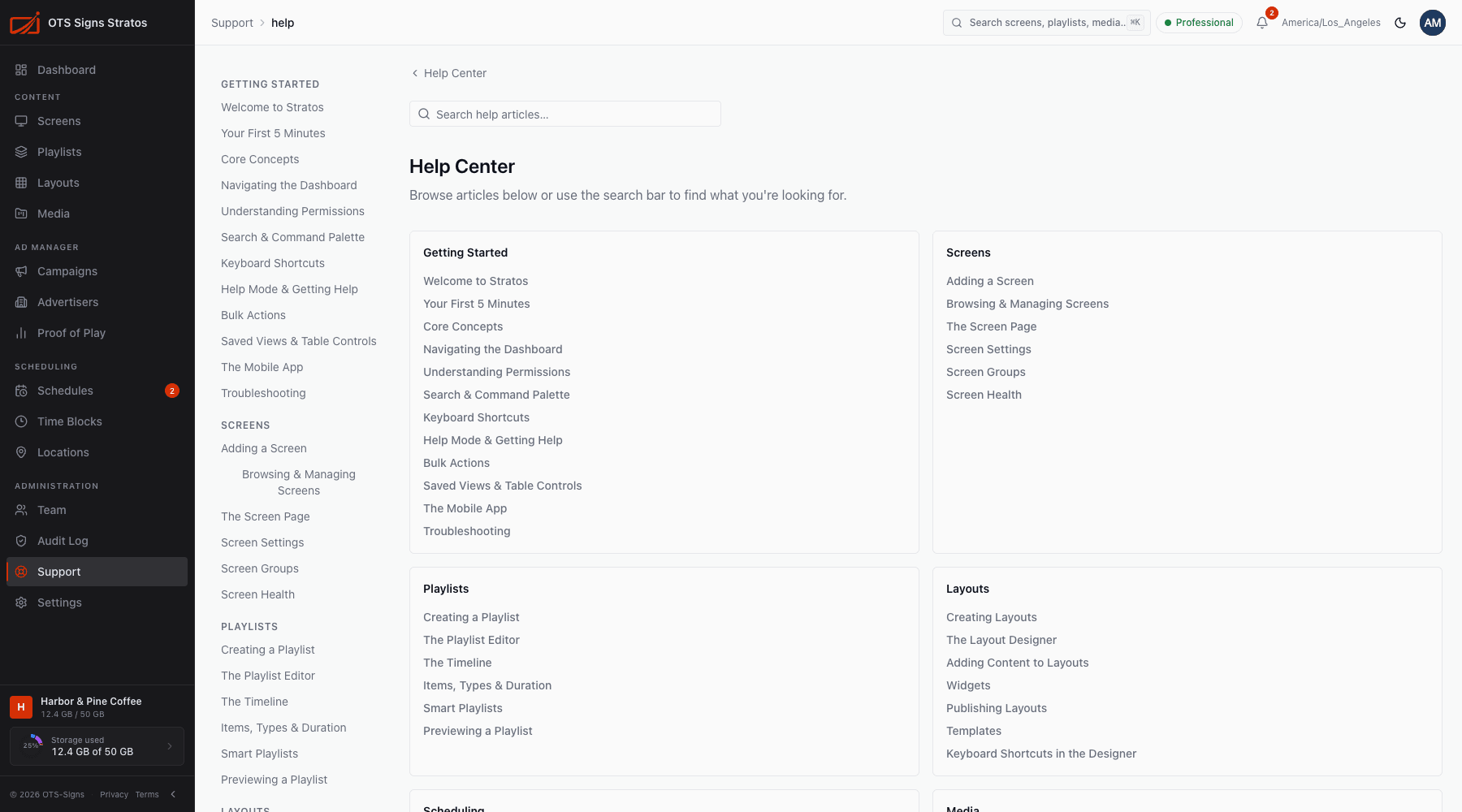
- Search all help articles… searches titles and content.
- Articles are grouped by area, matching the sidebar.
- Some pages show Related articles that match what you’re doing.
The same articles are also published on the public Help Center website.
4. Support
Section titled “4. Support”When you can’t find the answer:
- Open a ticket: Support in the sidebar, then New ticket. See Contacting Support.
- Report a bug: ? button, then Report a Bug. We attach technical details and a screenshot automatically.
- Look at your tickets: Support → My Tickets.
Tips for getting a quick answer
Section titled “Tips for getting a quick answer”- Search the Help Center first. Most questions are covered.
- When you contact us, include what you were doing, what you expected and what happened.
- For a screen problem, include the screen name and a screenshot from its page.