
Notifications
Choose who is emailed about screen health and which emails you personally receive.
Settings → Notifications sets who’s emailed when screens have problems, and which other emails you receive.
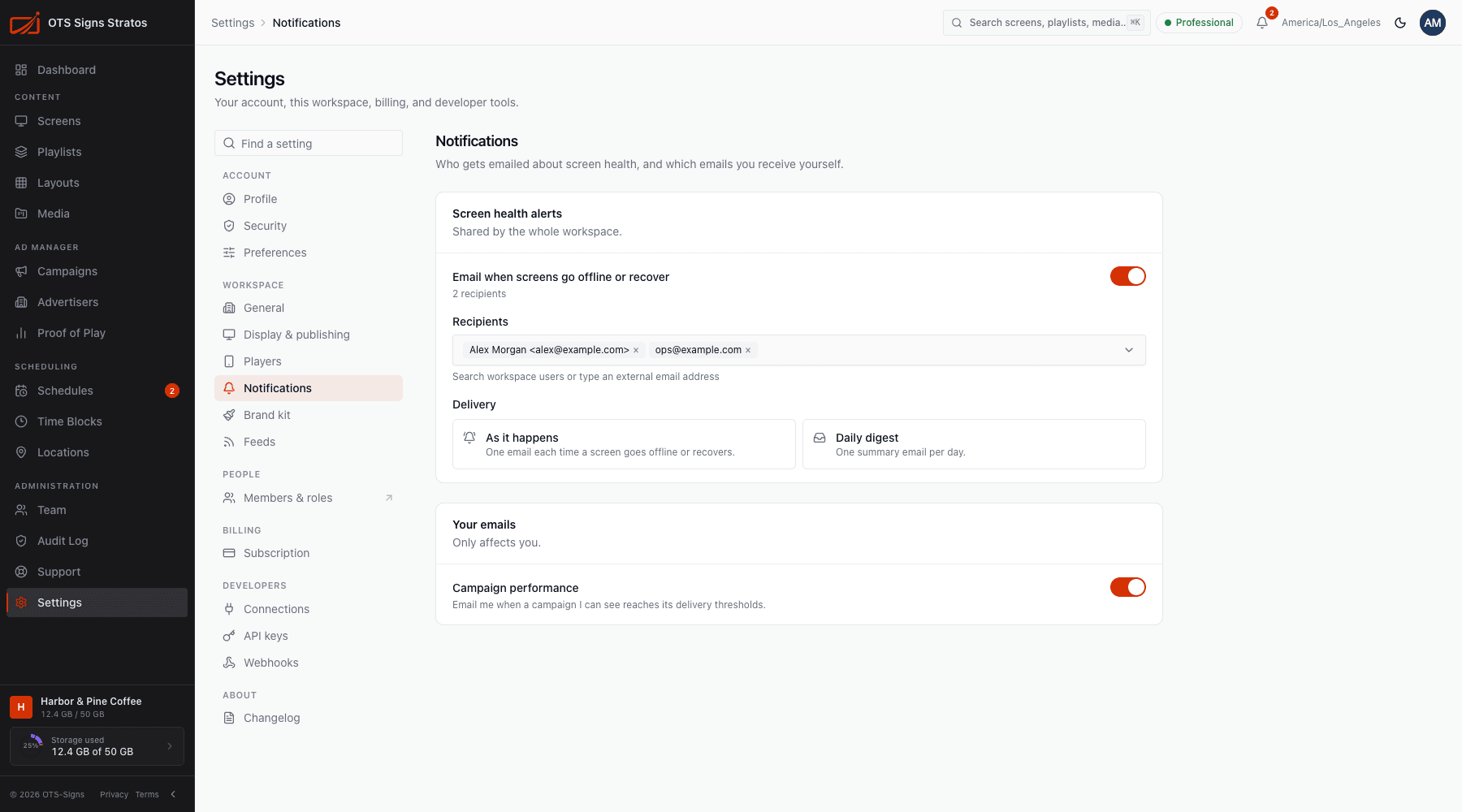
Screen health alerts (workspace)
Section titled “Screen health alerts (workspace)”Shared by the whole workspace. Needs workspace:write to change.
- Email when screens go offline or recover: the master switch. When off, no one is emailed about screen health.
- Recipients: choose workspace members, or type an external email address. Search workspace users or type an address to add it.
- Alert delivery:
- As it happens: one email each time a screen goes offline or recovers.
- Daily digest: one summary email per day.
The page tells you how many recipients are set. A screen counts as offline after the time you set in Display & Publishing.
Your emails
Section titled “Your emails”Only affects you.
- Campaign performance: email me when a campaign I can see reaches its delivery thresholds. See Campaigns.
Click Save to apply (Notification settings saved).
In-app alerts
Section titled “In-app alerts”You don’t need email to know about problems. The bell in the top bar lists offline and stale screens and system announcements, and the dashboard’s Alerts tile counts them. See Screen Health.