
Changelog
See what's new in Stratos, with release notes for each update.
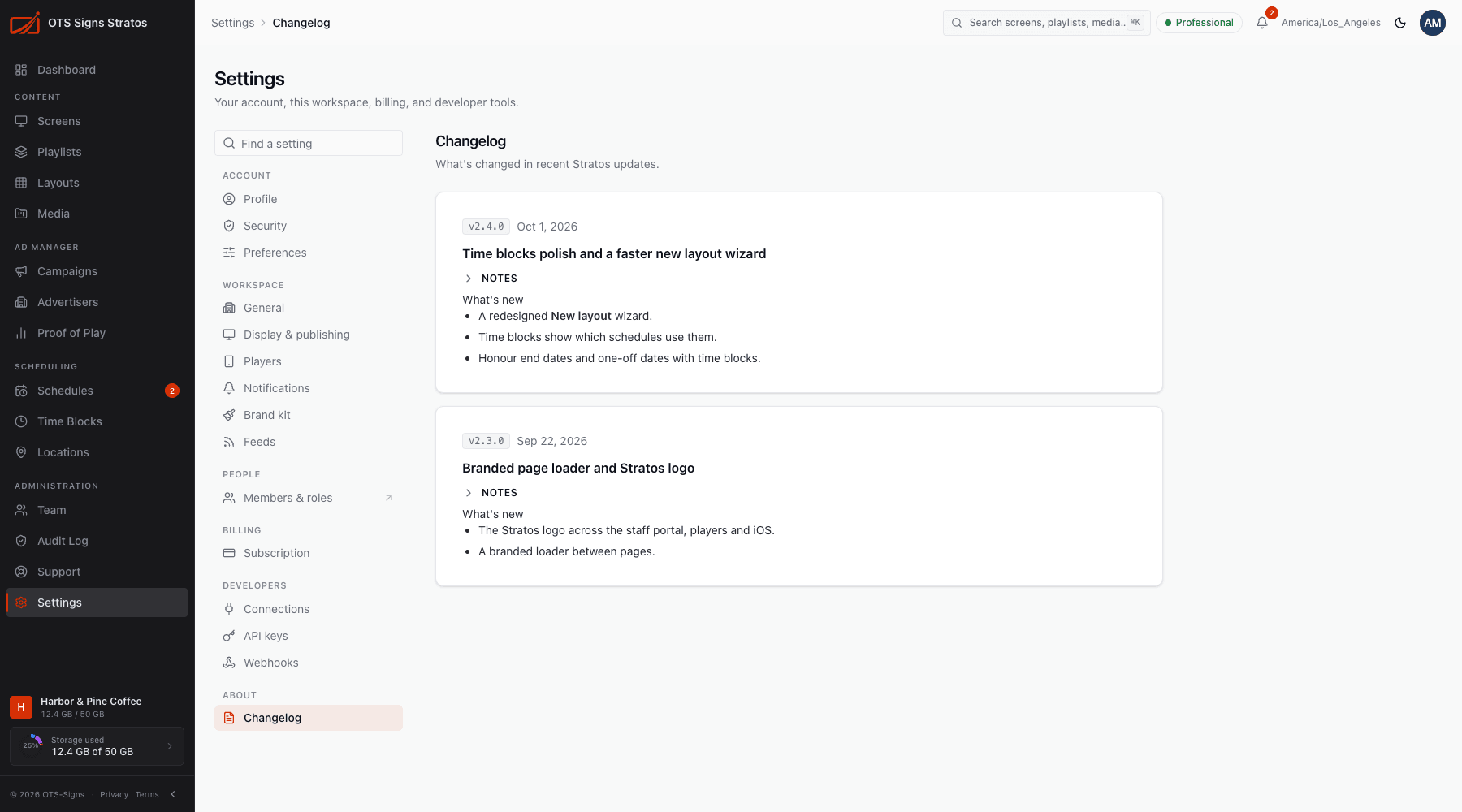
Settings → Changelog lists release notes for recent Stratos updates, newest first. Each entry has a version, a title, the date and a summary of what changed.
What’s new pop-up
Section titled “What’s new pop-up”When a new release is published you may see a What’s new window the first time you sign in afterwards. Close it any time. The same notes stay in the Changelog.
Stay up to date
Section titled “Stay up to date”- Check the Changelog after an update to find new features.
- The About option in your account menu shows the version of Stratos you’re using, which is handy when you contact support.
- Player software has its own releases. See Player Updates.
If the page says No release notes yet, nothing has been published.