
Advertisers
Keep a record of the businesses that buy airtime from you, and attribute campaigns to them.
An advertiser is a business that buys ad time on your network. Every campaign belongs to one, so campaigns and proof of play can be attributed and reported per advertiser.
Where to find it: Ad Manager → Advertisers. You need advertiser:read, and advertiser:write / advertiser:delete to change them.
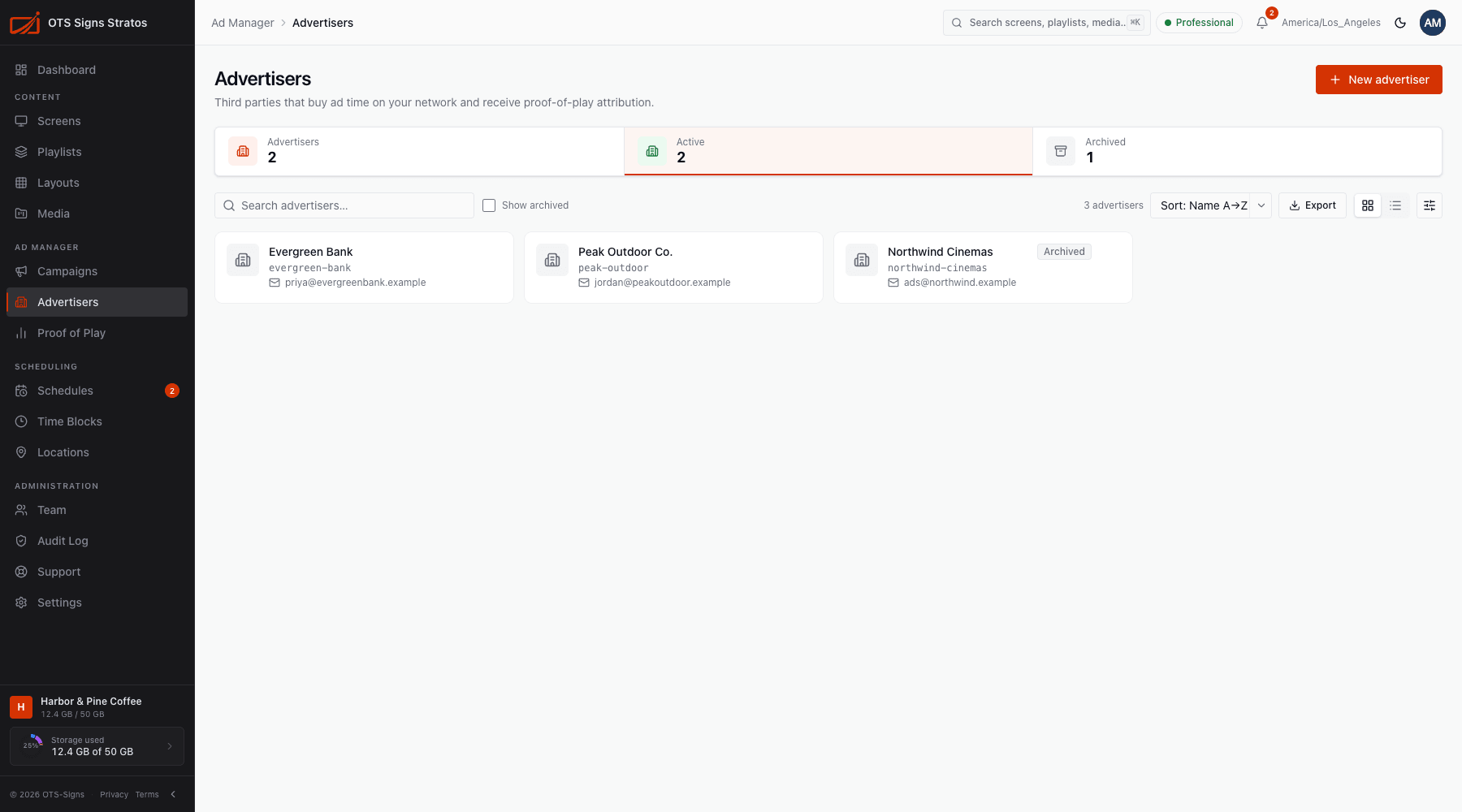
The Advertisers page
Section titled “The Advertisers page”Each advertiser shows its Name, Contact and Status (Active or Archived). Search, sort and Export to CSV. Archived advertisers are hidden unless you tick Show archived. Summary tiles count total, active and archived advertisers.
Add an advertiser
Section titled “Add an advertiser”Click New advertiser and complete:
| Field | Notes |
|---|---|
| Name | Required, for example Acme Coffee Co. |
| Slug | Required. Lowercase letters, digits and hyphens (acme-coffee). It’s used in the future advertiser portal URL. |
| Contact name / email / phone | Optional. Email must be valid. |
| Notes | Anything your team should know. |
Click Save changes to update an existing advertiser (Edit from its row menu).
Archive or delete
Section titled “Archive or delete”- Archive an advertiser you no longer work with. It stays in your records and reports but can’t be given new scheduled campaigns.
- Delete removes the record. An advertiser that still has campaigns can’t be deleted: archive it instead.