
Your Profile
Update your display name and profile photo.
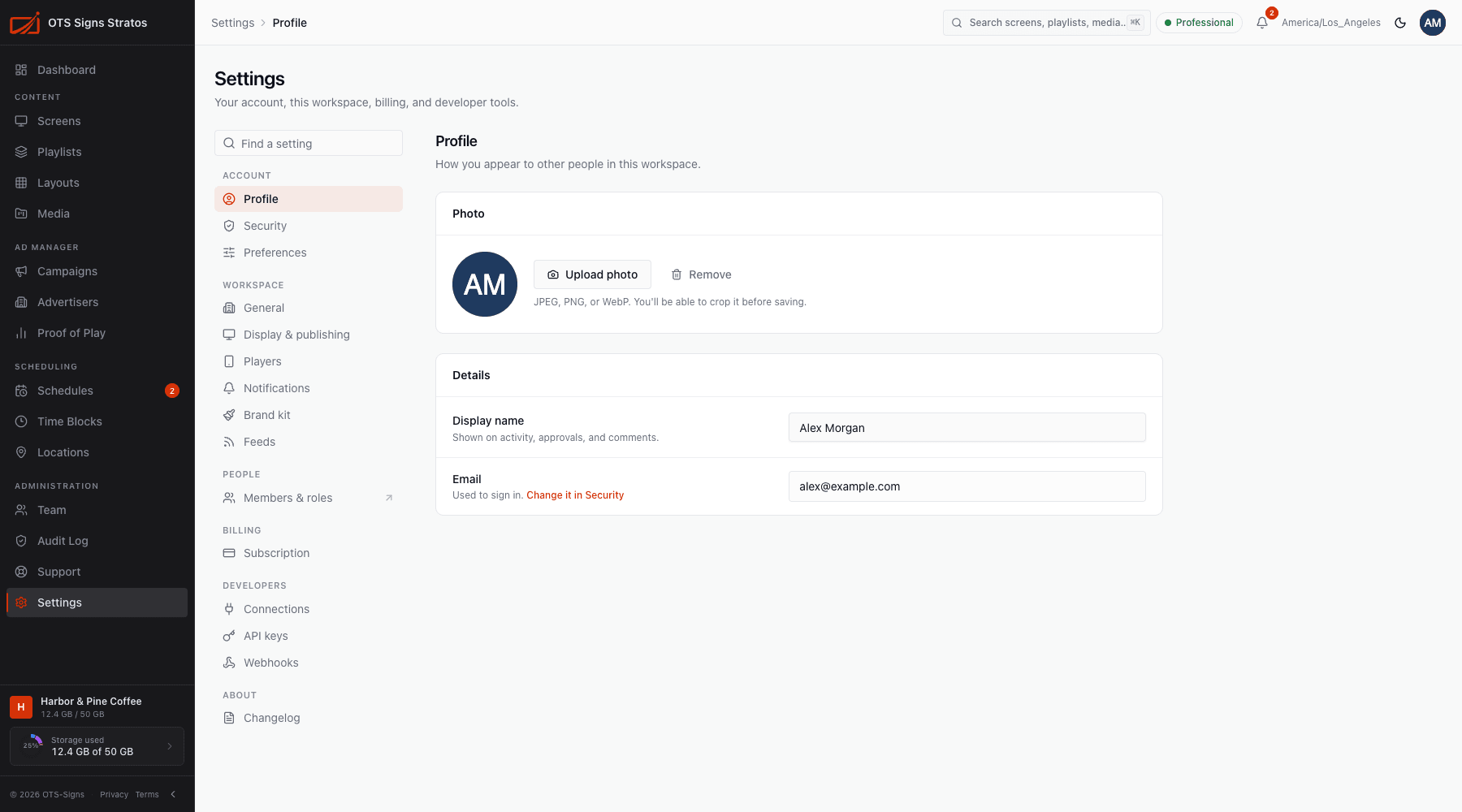
Settings → Profile (or My Account in the account menu at the top right) is how you appear to other people in your workspace.
Details
Section titled “Details”- Display name: shown on activity, approvals and comments. Change it any time.
- Email: the address you sign in with. It’s read-only here. To change it, use Change it in Security.
Click Save to apply (Profile updated).
Click Upload photo and choose a JPEG, PNG or WebP image. You can crop and zoom it before saving: drag to reposition, use the Zoom slider, then Save photo. You’ll see Profile photo updated.
To remove it, click Remove and confirm. People will see your initials instead.